web-app
Persona: your product needs an agent
Describe an agent, connect your APIs, call it from your app
Persona is a developer platform for adding AI agents to your product. Describe an agent, connect it to your APIs, documents and MCP servers, and try it in the browser. Then call it from your app with one route handler using the TypeScript SDK and React chat UI. Persona runs the agent and keeps conversations, memory, tool calls, versions and traces. Compare versions with evals, inspect every model call, and ship releases with confidence. Works with any LLM provider.
Adding an AI agent to a product means building a lot more than a prompt. You need a runtime that streams responses, a way to give the agent your APIs and documents, memory and conversation storage, and a way to test changes before users see them. When an agent misbehaves, you also need to see exactly which model call, tool call or document lookup went wrong. Most teams end up stitching together separate tools for each of these, and the agent stays a prototype.
Persona puts the whole workflow in one developer console. You create a Project, describe an agent, and attach skills, knowledge bases (RAG), MCP connectors, REST tools and the LLM provider you prefer. You try it in the playground, compare versions with evals on datasets, and inspect traces, sessions and alerts. When it is ready, you ship a versioned release and call it from your own app through the TypeScript SDK, React hooks and chat UI, with framework adapters for Express, Next.js and NestJS. The streaming runtime is built on the AG-UI protocol, and Persona also exposes an MCP server so other tools and AI assistants can work with it directly.
What's next?
Interested in
working together?
Related Projects
You might also like these
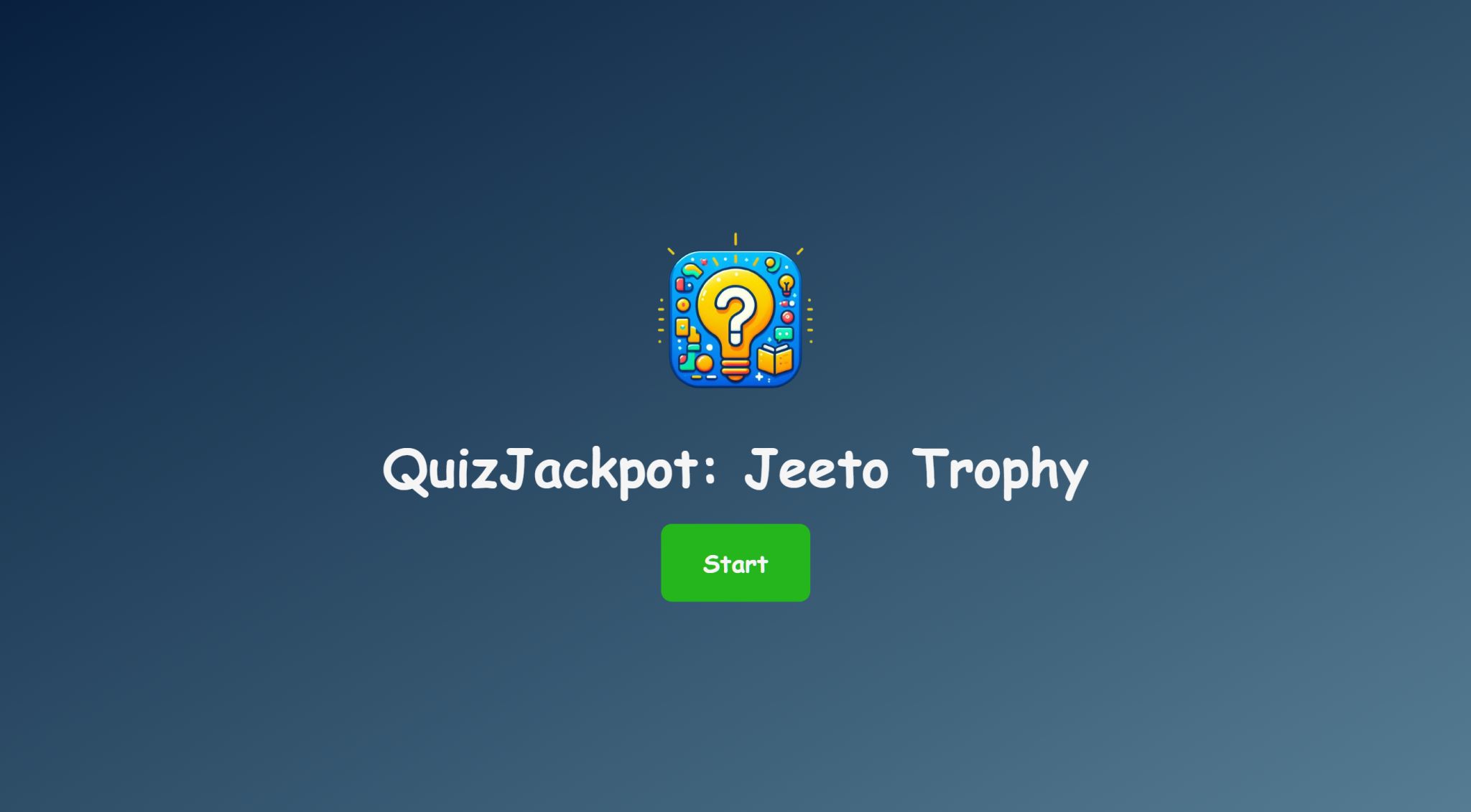
Interactive Quiz Game
A simple and engaging quiz game built using HTML, CSS, and JavaScript, featuring timed multiple-choice questions, instant feedback, and a final score summary.

PYQDeck
PYQDeck is a cross-platform exam-prep solution for Bihar Engineering University students, featuring AI explanations, organized PYQ library, progress sync, and Google Search integration.
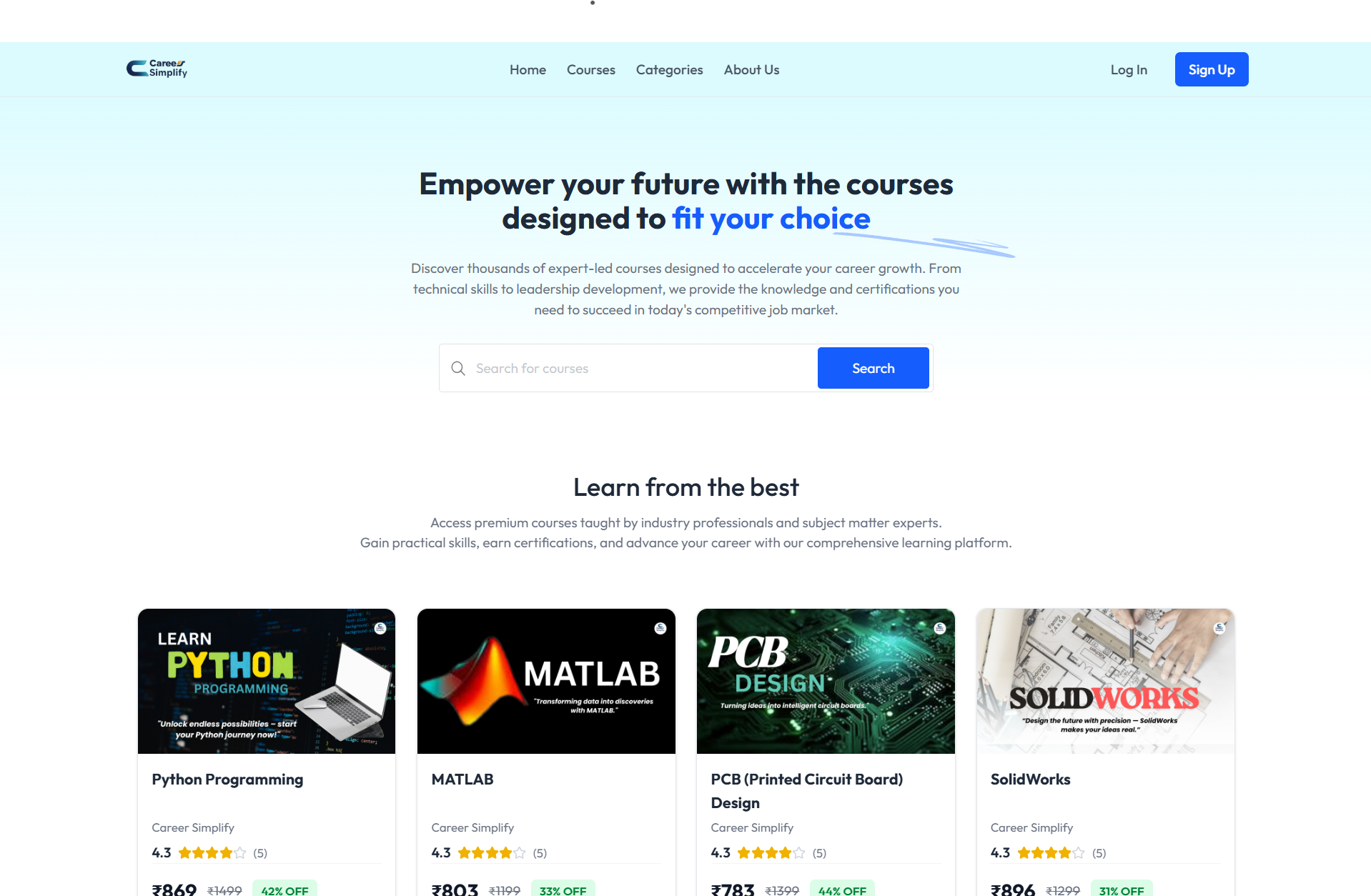
CareerSimplify
CareerSimplify is an online learning platform designed for students and professionals to bridge the gap between academics and industry requirements through expert-led courses, hands-on projects, and career certifications.